Pending Activation clients have signed up but not yet completed their first payment. They appear in a dedicated section of the Billing dashboard.
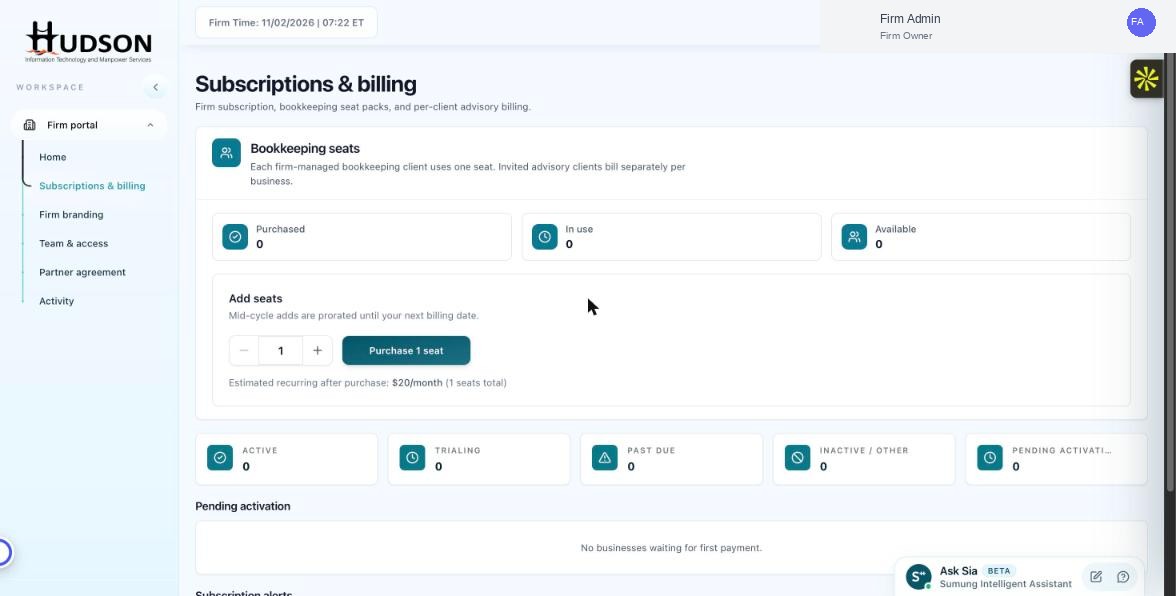
Pending activation section in Subscriptions & billing
What You Can Do
- Navigate to Subscriptions & billing.
- Scroll to the 'Pending activation' section below the metric cards.
- A list of clients awaiting first payment is shown here.
- If the list is empty, a message reads 'No businesses waiting for first payment.'
- To follow up with a pending client, navigate to the Overview dashboard and use the action menu (⋮) to resend their invitation or payment prompt.
💡 Good to Know: Pending activation clients do not consume a seat until their first payment succeeds.
💡 Good to Know: This section is useful for identifying signups that stalled at the payment step.
Related Articles
Was this article helpful?
Your feedback helps us improve our documentation.