The 'Accepted version' card on the Partner Agreement page shows which version you accepted and when. This is your audit record of agreement acceptance.
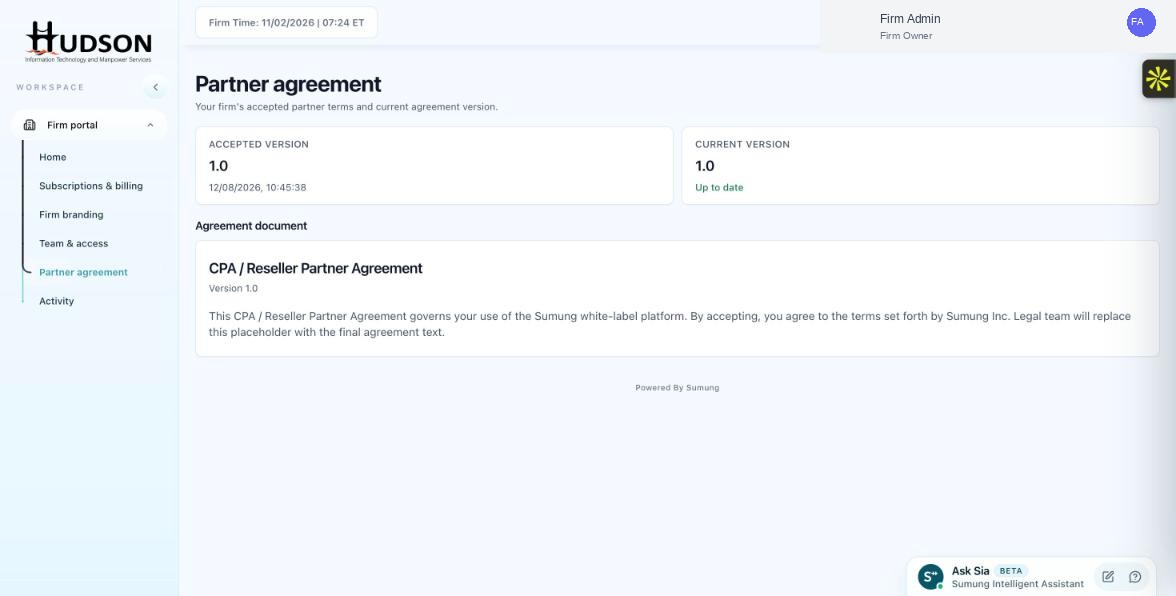
Accepted Version card on the Partner Agreement page
What You Can Do
- Navigate to Partner agreement.
- The 'Accepted version' card shows: the version number (e.g., 1.0) and the date/time of acceptance (e.g., 12/08/2026, 10:45:38).
- This timestamp is in your firm's configured time zone.
- This record confirms that you reviewed and agreed to the stated agreement version on that date.
- If you ever need to verify your acceptance for compliance purposes, take a screenshot of this page.
💡 Good to Know: The accepted version date is updated each time you accept a new version of the agreement.
💡 Good to Know: Sumung retains acceptance records on their servers as well.
Related Articles
Was this article helpful?
Your feedback helps us improve our documentation.