Sia stores your previous conversations so you can revisit past questions and answers. This article shows how to access and use chat history.
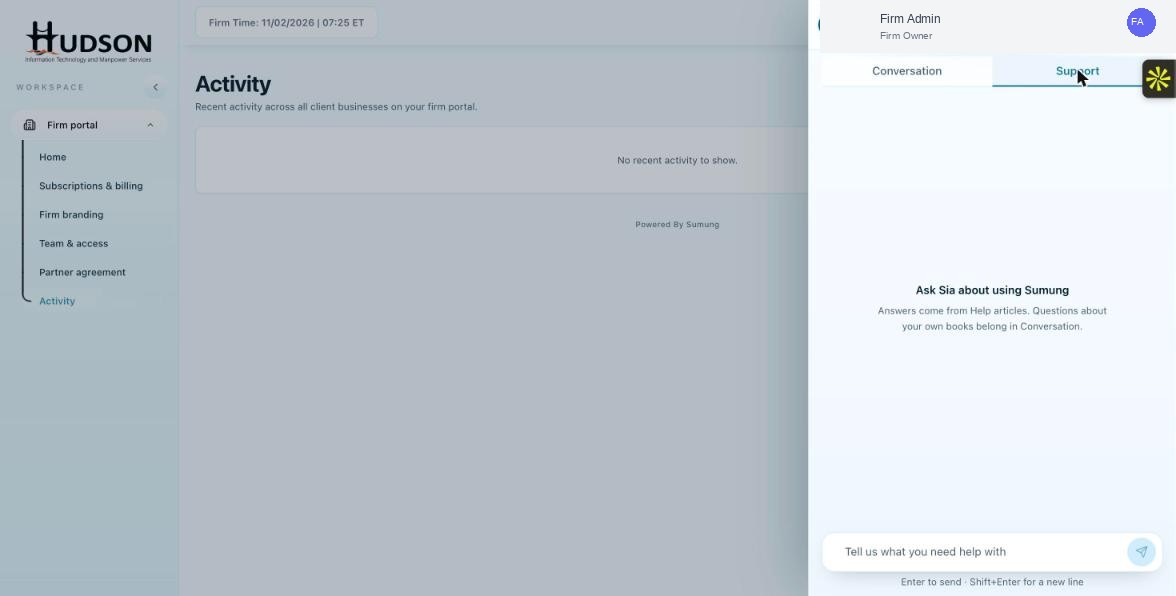
Ask Sia panel — Chat history button
What You Can Do
- Open the Ask Sia panel.
- Click the 'Chat history' button (clock icon) at the top of the panel.
- A list of past conversations is shown with timestamps.
- Click any past conversation to reload it in the chat window.
- You can continue an old conversation or start a new one.
- To clear all chat history, click 'Clear conversation'.
💡 Good to Know: Chat history is stored per user — each staff member has their own Sia chat history.
💡 Good to Know: Chat history may be periodically purged — download important answers before they expire.
Related Articles
Was this article helpful?
Your feedback helps us improve our documentation.