You can start a fresh chat with Sia at any time using the 'New chat' button. This clears the current conversation and lets you ask a new unrelated question.
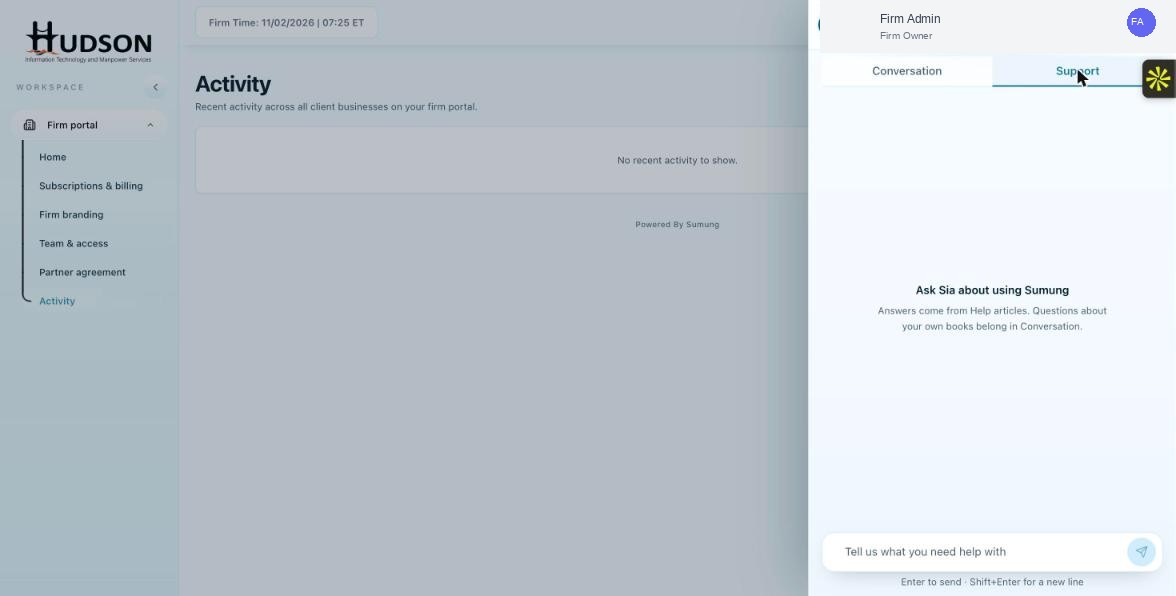
Ask Sia panel — New chat and Chat history buttons
What You Can Do
- Open the Ask Sia panel.
- At the top of the panel, click the 'New chat' (pencil/plus icon) button.
- The current conversation is cleared and a blank chat session begins.
- Type your new question in the message field.
- Previous conversations are accessible via 'Chat history' if available.
💡 Good to Know: Starting a new chat is useful when switching topics — Sia performs better without context from a previous unrelated conversation.
💡 Good to Know: Conversations in the Support tab are independent from those in the Conversation tab.
Related Articles
Was this article helpful?
Your feedback helps us improve our documentation.