If you want to remove the current chat and start fresh without using 'New chat', you can clear the entire conversation. This article explains how.
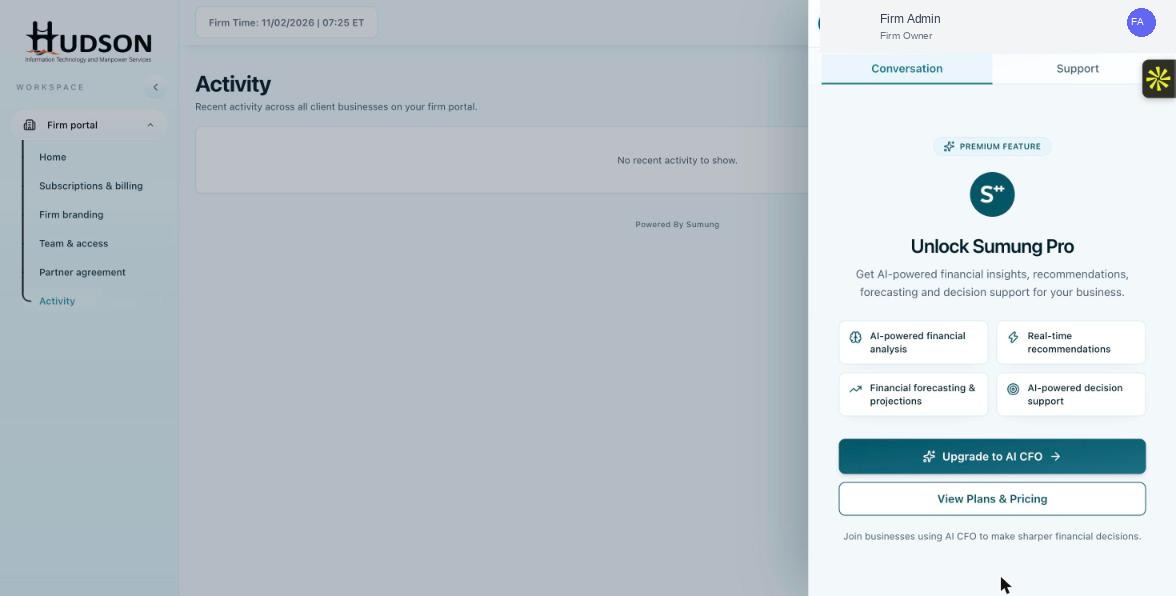
Ask Sia panel — Clear conversation button
What You Can Do
- Open the Ask Sia panel.
- Click the 'Clear conversation' button (trash icon) at the top of the panel.
- A confirmation prompt may appear — confirm to clear.
- The chat window is emptied and ready for a new question.
- Note: cleared conversations cannot be recovered.
💡 Good to Know: Use 'Clear conversation' when you want to ensure Sia does not carry any context from a previous chat into your new query.
💡 Good to Know: Clearing conversation is different from 'New chat' — clearing removes the history; New chat starts a new session while preserving history.
Related Articles
Was this article helpful?
Your feedback helps us improve our documentation.