If you have more seats than you need, you can reduce your seat count to lower your monthly subscription cost. This article explains how.
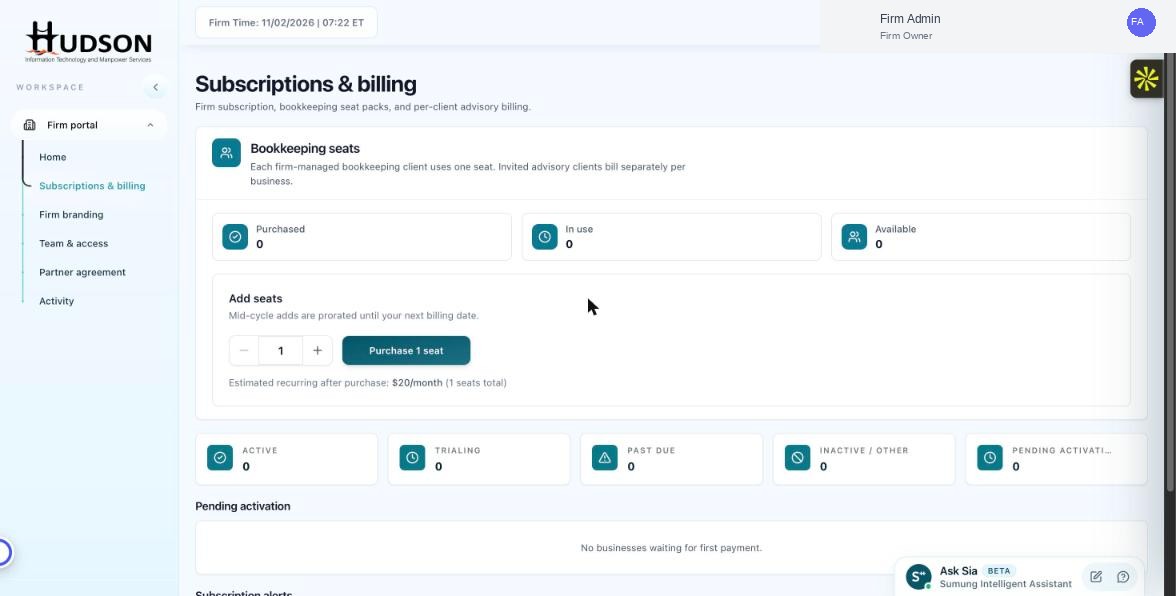
Subscriptions & billing — Add seats widget with decrease option
What You Can Do
- Navigate to Subscriptions & billing.
- In the 'Add seats' widget, use the minus (−) button to reduce the quantity below your current count.
- Note: you cannot reduce seats below the number currently 'In use'. You must first deactivate clients to free up those seats.
- Once the quantity is within the allowed range, click 'Update seats' or 'Save'.
- The reduced seat cost applies from your next billing cycle.
💡 Good to Know: Seat reductions typically take effect at the start of the next billing cycle — no credit is issued for the current cycle.
💡 Good to Know: Ensure all clients you want to keep are still assigned to remaining seats before reducing.
Related Articles
Was this article helpful?
Your feedback helps us improve our documentation.