For record-keeping and compliance, you may want to export the Activity log to a CSV or PDF. This article explains how.
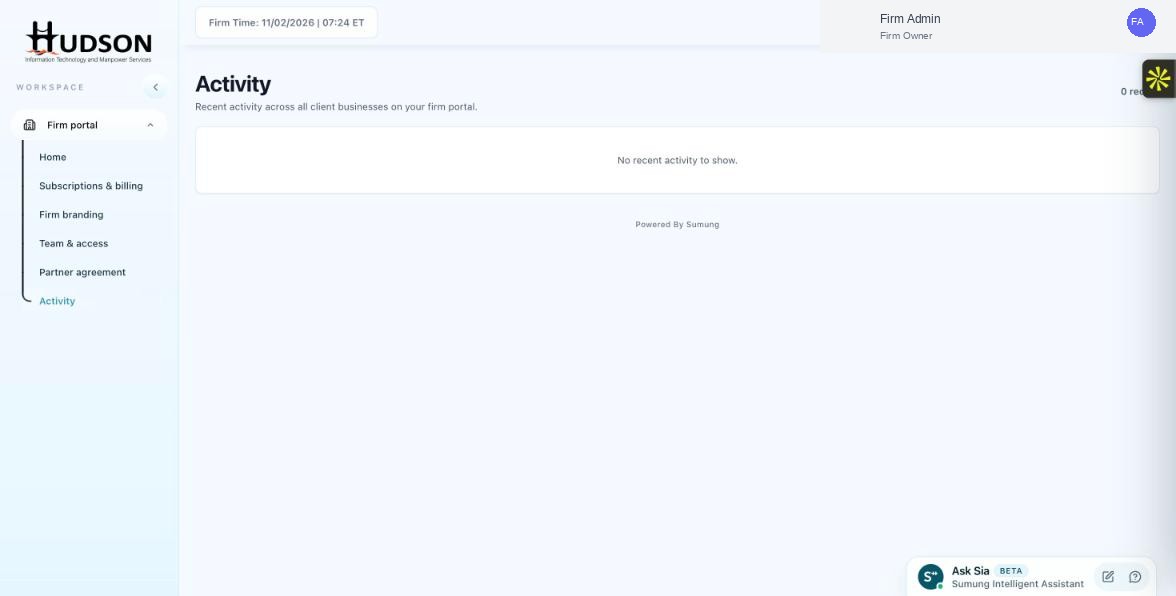
Activity page — export option
What You Can Do
- Navigate to Activity.
- Apply any date range or filter settings for the data you want to export.
- Look for an 'Export' or 'Download' button at the top of the activity feed.
- Select the export format (CSV or PDF, if both are available).
- The file downloads to your device.
- Open the CSV in a spreadsheet application to analyze or archive the data.
💡 Good to Know: If an export button is not visible, contact Sumung support — export availability depends on your plan.
💡 Good to Know: Exported data should be stored securely as it contains user and client information.
Related Articles
Was this article helpful?
Your feedback helps us improve our documentation.