The Activity log provides an auditable record of actions taken in your firm portal. This is valuable for compliance, dispute resolution, and internal oversight.
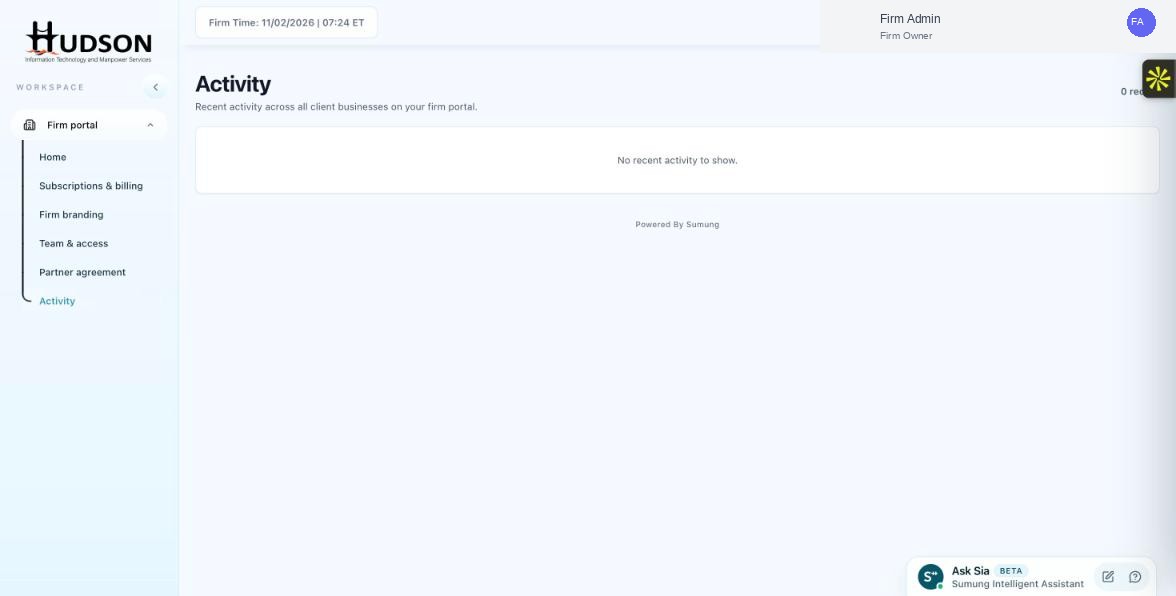
Activity page — log showing recent actions
What You Can Do
- Navigate to Activity.
- Use date range filters to view activity for the period in question.
- Export or screenshot relevant entries for your records.
- The log shows who performed each action (by username) and when.
- Use this data to verify: when a client was added/removed, when a billing change was made, when a team member was removed.
- Present relevant entries to auditors or clients if questions arise.
💡 Good to Know: The Activity log does not show actions taken within a client's own accounting workspace (e.g., invoice creation) — those are logged in the client's own audit trail.
💡 Good to Know: For compliance purposes, take periodic screenshots or exports of the Activity log.
Related Articles
Was this article helpful?
Your feedback helps us improve our documentation.