The Activity section logs all significant actions taken across your client businesses on the firm portal — such as client additions, billing changes, staff assignments, and more.
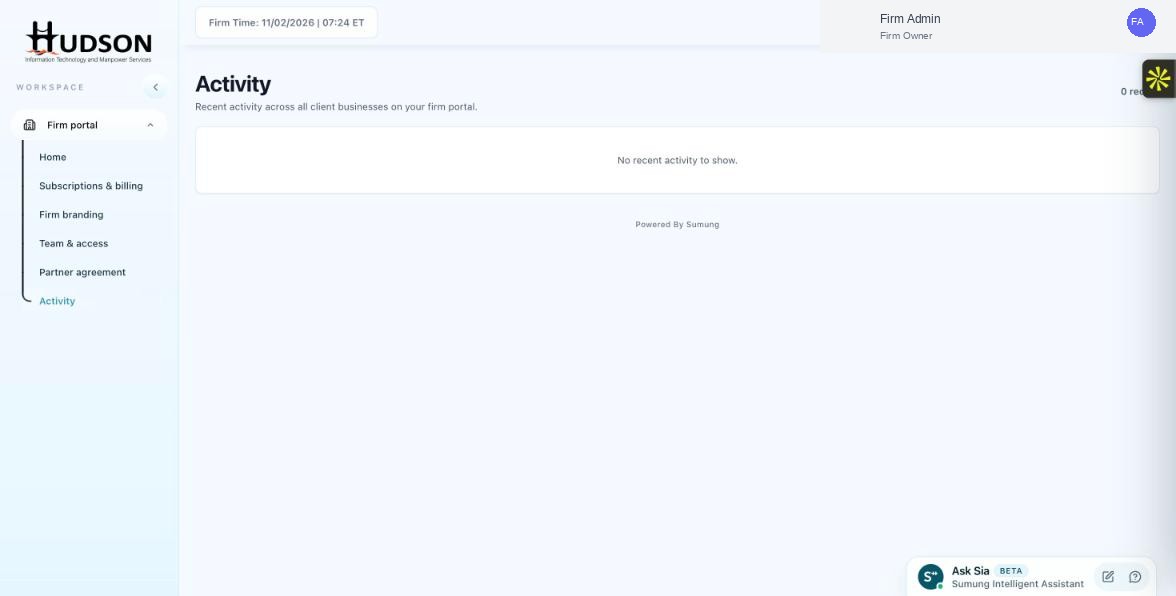
Activity page — recent activity feed
What You Can Do
- Navigate to Activity in the left sidebar.
- The page shows a feed of recent activity events across all client businesses.
- Each event shows: the action performed, who performed it, which client/business it relates to, and the date/time.
- The header shows a count of recent activity items (e.g., '0 recent').
- If there are no recent events, the feed shows 'No recent activity to show.'
- Scroll down to see older activity entries.
💡 Good to Know: Activity timestamps are displayed in your firm's configured time zone.
💡 Good to Know: The Activity log is a read-only record — you cannot edit or delete entries.
Related Articles
Was this article helpful?
Your feedback helps us improve our documentation.