If the Activity feed is long, you can filter it by date range, event type, or client to quickly find relevant entries.
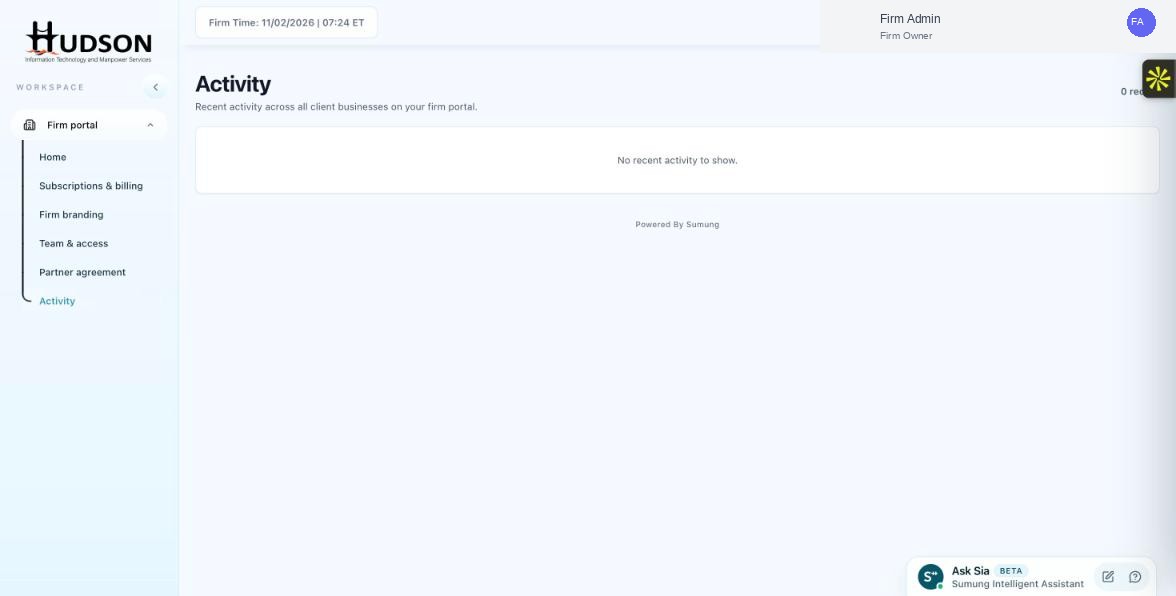
Activity page with filter controls
What You Can Do
- Navigate to Activity.
- Look for filter controls at the top of the activity feed (date range picker, event type dropdown, client search).
- Select a date range to narrow the log to a specific period.
- Filter by event type (e.g., Billing, Team, Client) to see only relevant events.
- Search by client name to see activity related to a specific business.
- The feed updates in real-time as filters are applied.
- Clear filters to return to the full activity feed.
💡 Good to Know: Combining multiple filters helps you quickly pinpoint a specific event or timeline.
💡 Good to Know: If no filter controls are visible, scroll to the top of the page or look for a filter icon (⚙ or 🔍).
Related Articles
Was this article helpful?
Your feedback helps us improve our documentation.