The Activity log captures a wide range of actions for auditing and oversight. This article lists the types of events tracked.
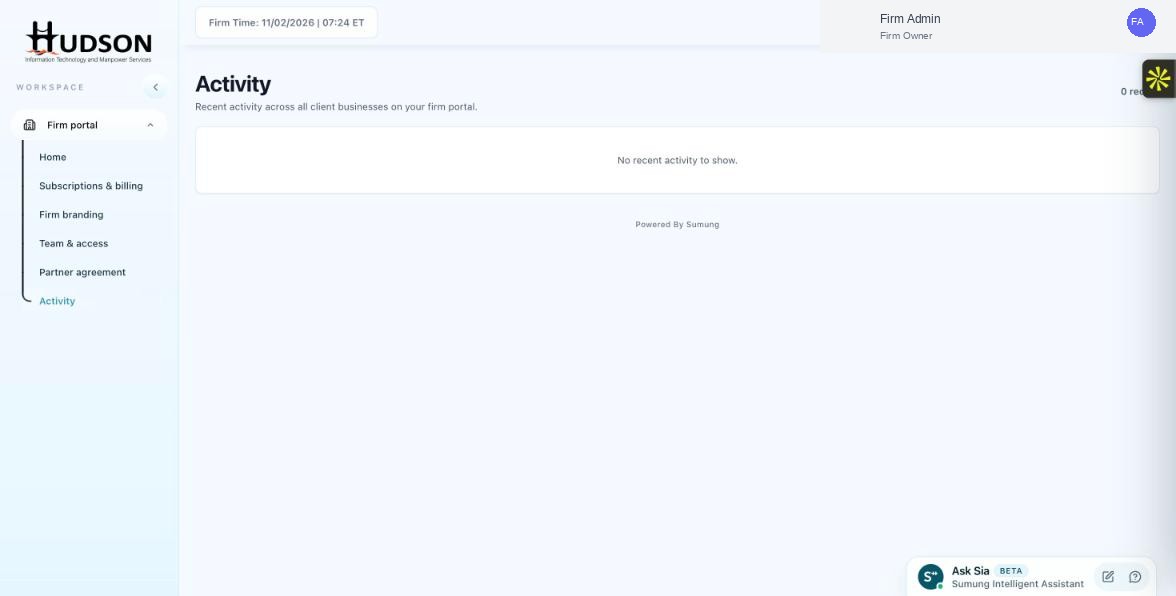
Activity page — empty activity feed with 'No recent activity' message
What You Can Do
- Client management events: client added, client removed, client type changed.
- Billing events: seat purchased, payment received, payment failed, subscription status change.
- Team events: staff member invited, staff member removed, role changed.
- Branding events: logo updated, product name changed, favicon updated.
- Partner agreement events: agreement accepted.
- Client workspace events: bank feed connected, bank feed disconnected.
- Each event type is shown with a descriptive label and timestamp.
💡 Good to Know: The Activity log is useful for compliance, troubleshooting, and auditing staff actions.
💡 Good to Know: Not all internal system events are surfaced in the Activity log — only user-initiated or billing-system actions.
Related Articles
Was this article helpful?
Your feedback helps us improve our documentation.