Firm Owners can use the Activity log to monitor actions taken by staff members — useful for oversight and accountability.
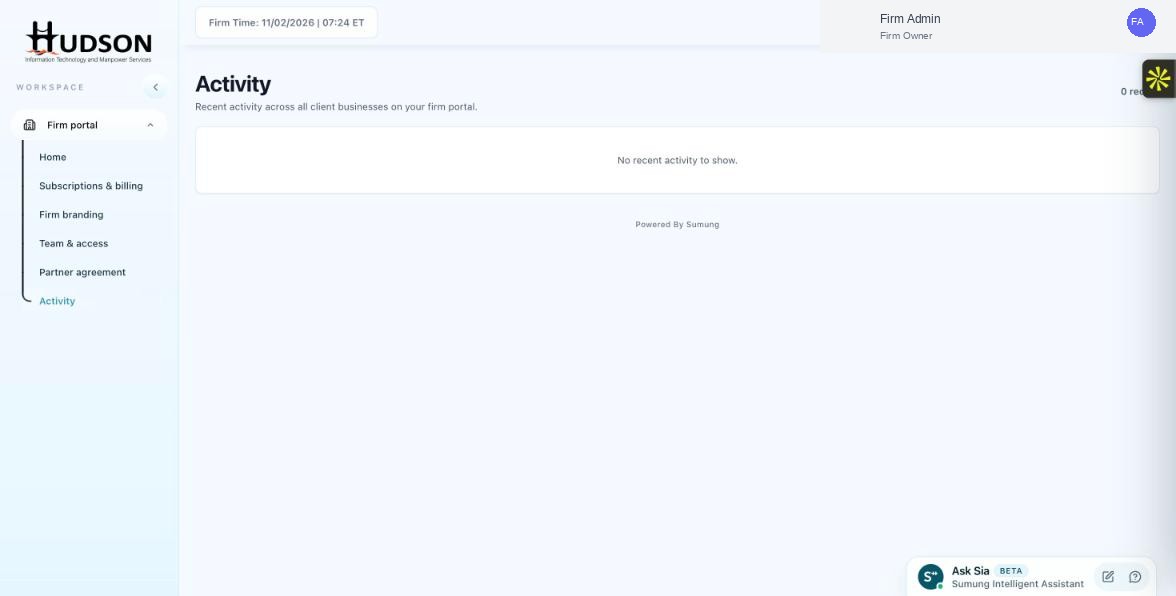
Activity log showing firm portal actions
What You Can Do
- Navigate to Activity.
- Filter by event type 'Team' or search by staff member name.
- Each entry shows the staff member's name next to the action they performed.
- Look for: client assignments, billing access, portal setting changes.
- If unexpected actions are found, address them with the relevant staff member.
- Consider reviewing the Activity log weekly for management oversight.
💡 Good to Know: The Activity log does not show client-facing actions within a client's workspace (like invoice edits) — only portal-level actions.
💡 Good to Know: Regular Activity log reviews help you catch unauthorized changes early.
Related Articles
Was this article helpful?
Your feedback helps us improve our documentation.