The CPA / Reseller Partner Agreement is a formal legal document. This article provides guidance on navigating and understanding its key sections.
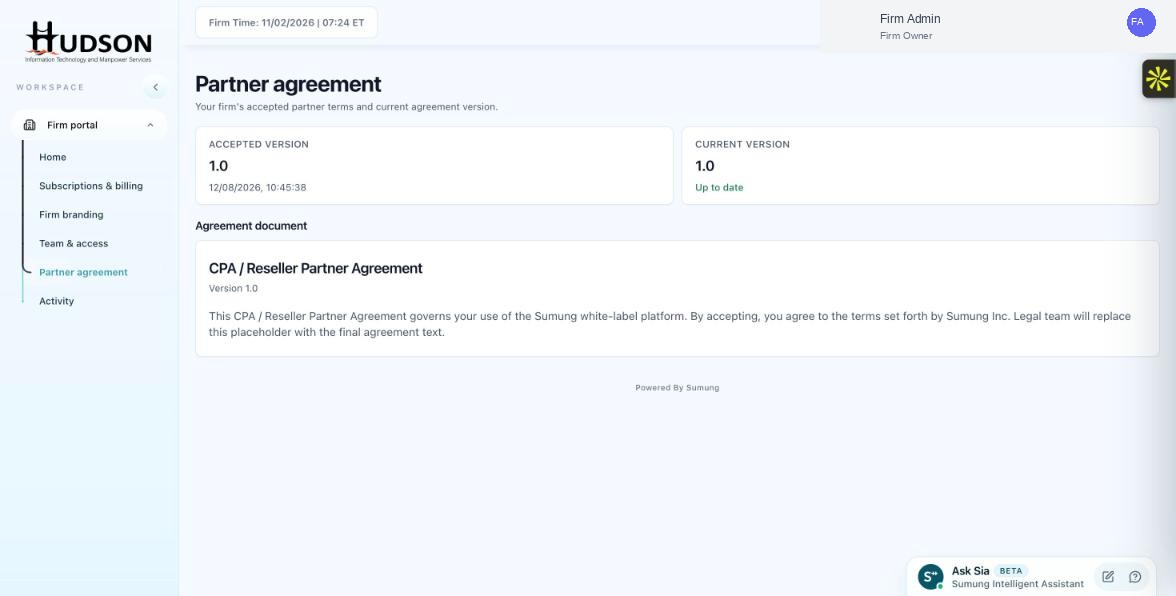
Partner agreement — CPA/Reseller agreement document section
What You Can Do
- Navigate to Partner agreement in the sidebar.
- The agreement is displayed in the 'Agreement document' section.
- Scroll through the document to read each section.
- Key sections typically include: Service Terms, White-Label Licensing, Payment Terms, Confidentiality, Data Privacy, Termination.
- If the document is long, use your browser's Find feature (Ctrl+F / Cmd+F) to search for specific terms.
- For questions, contact Sumung legal support or your account manager.
💡 Good to Know: The agreement version number is shown at the top of the document for reference.
💡 Good to Know: Printing or downloading the agreement for your records is recommended.
Related Articles
Was this article helpful?
Your feedback helps us improve our documentation.