Your firm's payment method is charged for your bookkeeping seat subscription and advisory billing. Keeping it current prevents service interruptions.
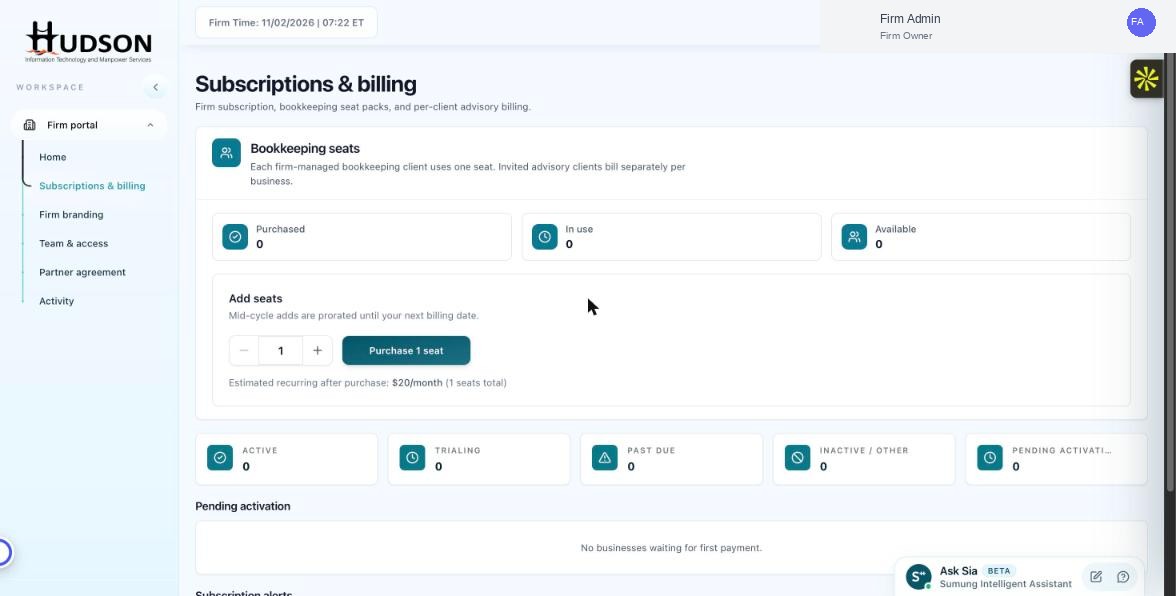
Subscriptions & billing page — payment method section
What You Can Do
- Navigate to Subscriptions & billing.
- Scroll to the 'Payment method' section.
- Click 'Update payment method' or 'Add card'.
- Enter the new card details in the secure form.
- Click 'Save' — the new payment method is applied to future invoices.
- The previous card is removed or kept as a backup depending on your setting.
💡 Good to Know: Payment method changes take effect on your next billing cycle or immediately if there is a past-due balance.
💡 Good to Know: Sumung uses PCI-compliant payment processing — card details are never stored on Sumung servers.
Related Articles
Was this article helpful?
Your feedback helps us improve our documentation.