Subscription Alerts appear in the Billing section to flag issues that need your attention, such as expiring payment methods, failed renewals, or seat overages.
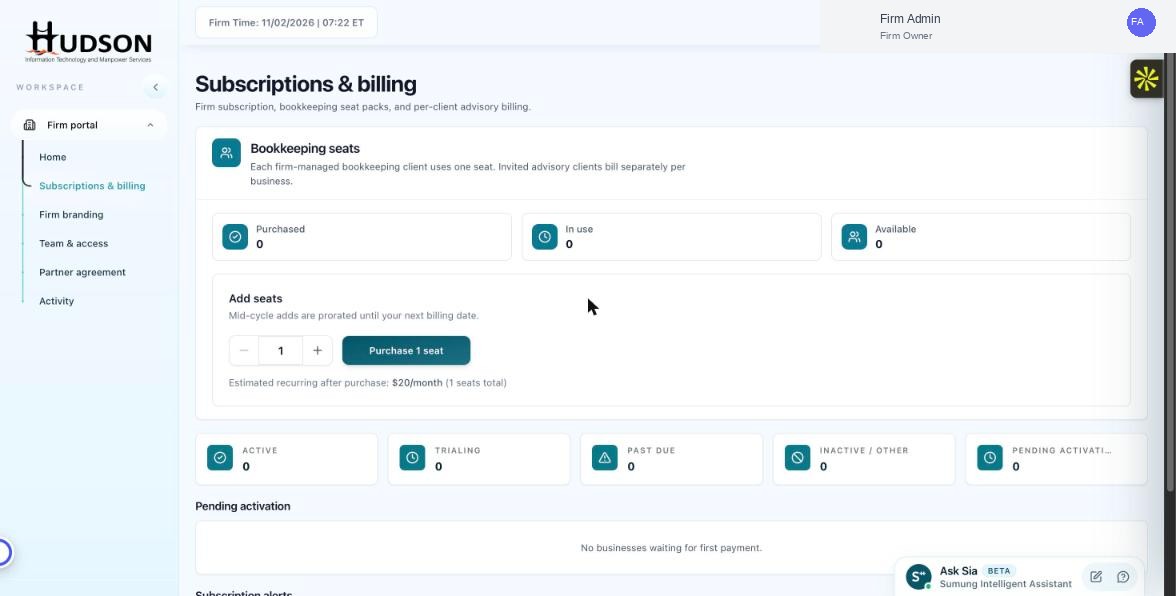
Subscriptions & billing — subscription alerts section
What You Can Do
- Navigate to Subscriptions & billing.
- Scroll down to the 'Subscription alerts' section.
- Each alert describes a specific issue and provides an action button to resolve it.
- Common alerts: 'Payment method expiring soon', 'Renewal failed', 'Seat count exceeded'.
- Click the action button (e.g., 'Update payment method', 'Purchase more seats') to address the alert.
- Resolved alerts are removed from the list automatically.
💡 Good to Know: Address subscription alerts promptly — some issues (like expired payment methods) can result in service interruptions.
💡 Good to Know: Email notifications are also sent to the Firm Owner for critical alerts.
Related Articles
Was this article helpful?
Your feedback helps us improve our documentation.