Your billing history provides a record of all invoices, charges, and payment transactions for your firm account. This article shows you how to access and read it.
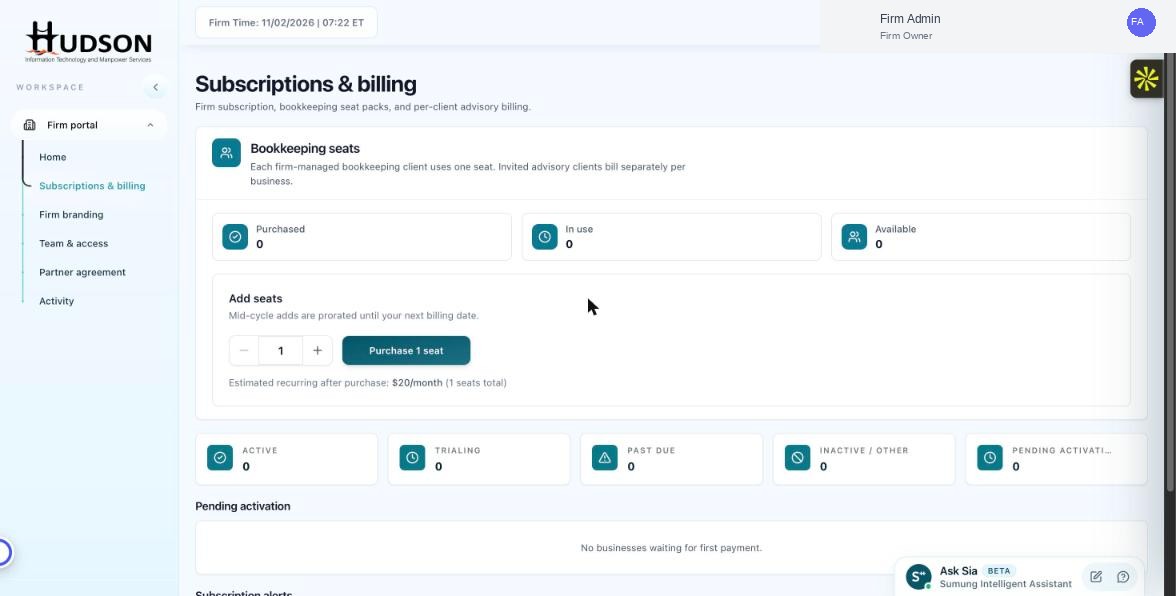
Subscriptions & billing — billing history section
What You Can Do
- Navigate to Subscriptions & billing.
- Scroll down to the 'Billing history' section.
- Each row shows the invoice date, description (e.g., 'Bookkeeping seats × 5'), amount, and payment status.
- Click on an invoice to open or download the PDF version.
- Use the date filter if available to narrow the history to a specific period.
💡 Good to Know: Billing history PDFs can be used for accounting and expense reporting.
💡 Good to Know: If you notice an unexpected charge, contact Sumung billing support with the invoice reference number.
Related Articles
Was this article helpful?
Your feedback helps us improve our documentation.