Ask Sia shows a 'BETA' label next to its name. This article explains what beta means and what to expect from the feature.
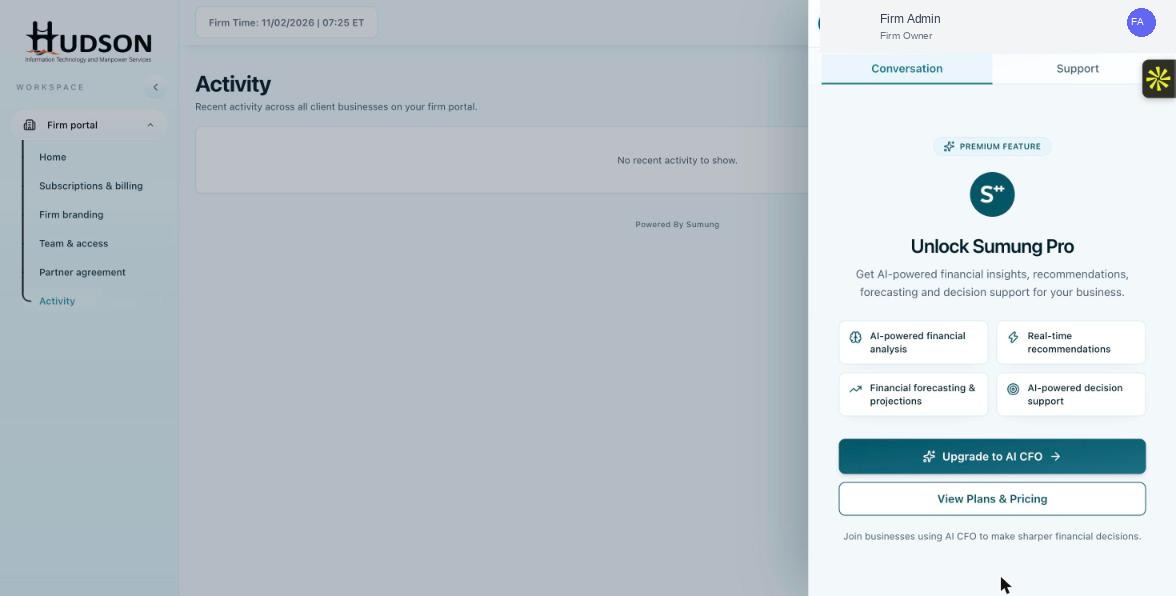
Ask Sia panel showing BETA label
What You Can Do
- The 'BETA' label indicates that Ask Sia is still in active development.
- Beta features are fully functional but may have occasional inaccuracies or missing capabilities.
- Sumung continues to improve Sia's accuracy, response quality, and feature set based on user feedback.
- Report any issues via the 'Report an issue' button in the Support tab.
- The beta label will be removed when Sumung deems the feature production-ready.
💡 Good to Know: Using Sia in beta helps improve the product — your feedback via 'Report an issue' is valuable.
💡 Good to Know: Always verify Sia's answers for critical accounting decisions.
Related Articles
Was this article helpful?
Your feedback helps us improve our documentation.