Sia is in beta and may occasionally provide incomplete or inaccurate answers. This article explains how to report issues and find correct information.
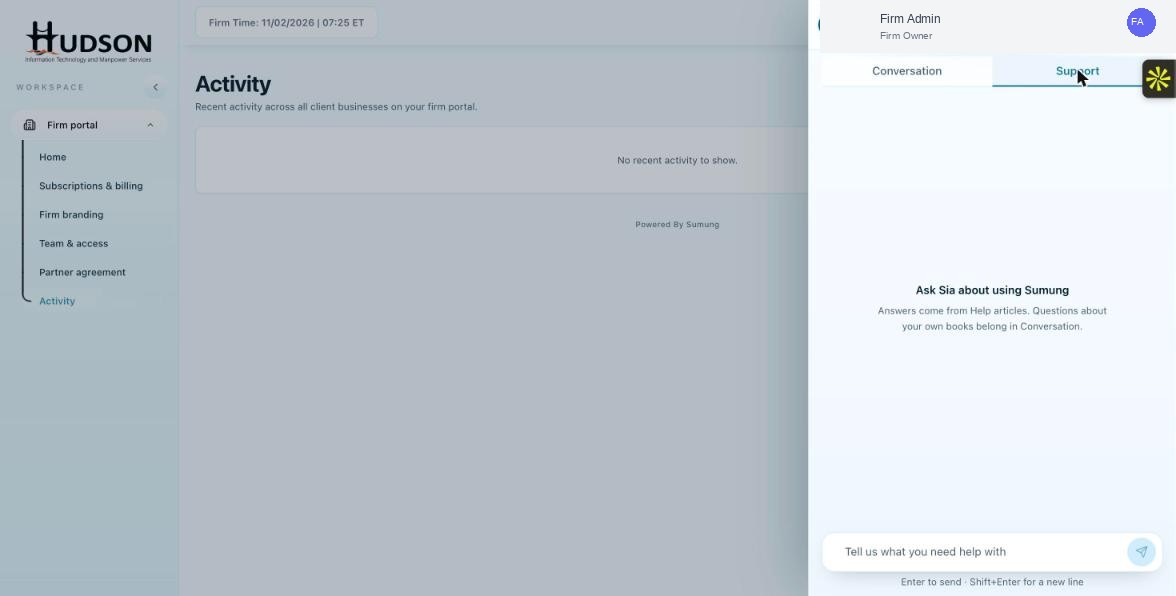
Ask Sia — Report an issue button in Support tab
What You Can Do
- If Sia's answer seems wrong, click 'Report an issue' in the Support tab header.
- Describe the question and the incorrect answer in the report form.
- As an alternative, navigate to the Help Center directly (? icon in the top bar) and search for the topic manually.
- For billing-related issues, contact Sumung support via the Help Center's 'Contact Us' option.
- For critical accounting questions, always verify Sia's answers against the official Help Center or with Sumung support.
💡 Good to Know: Reporting incorrect answers helps Sumung improve Sia over time.
💡 Good to Know: Sia's responses are AI-generated and should not replace professional accounting judgment.
Related Articles
Was this article helpful?
Your feedback helps us improve our documentation.