Sumung periodically updates the CPA / Reseller Partner Agreement. This article explains how you are notified and what steps to take.
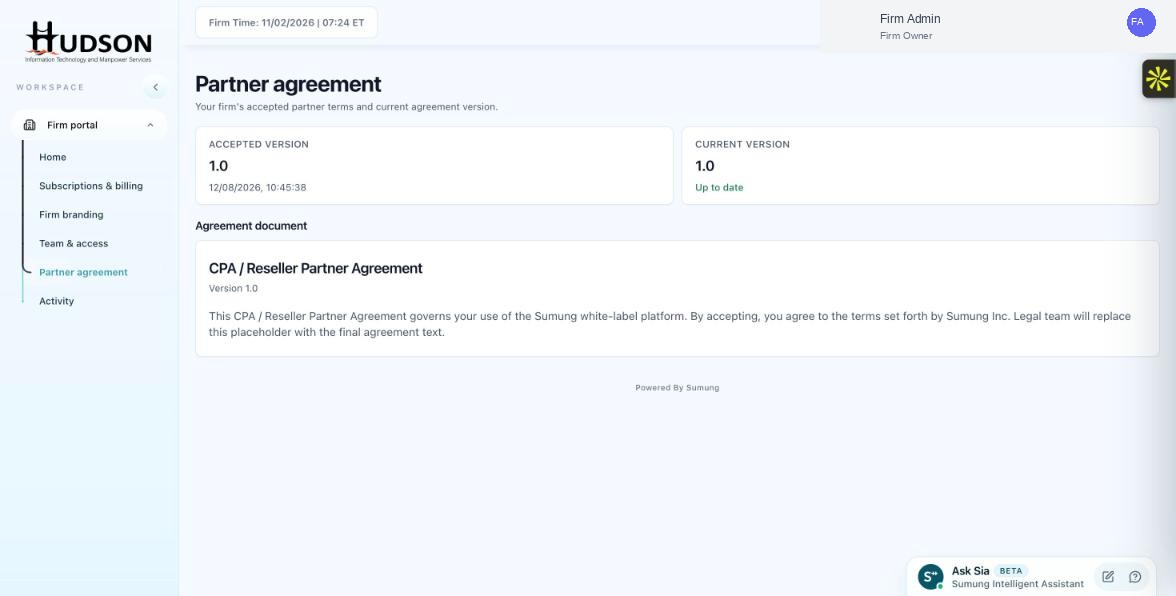
Partner agreement page
What You Can Do
- You receive an email notification when a new partner agreement is available.
- In the Firm Portal, a banner or notification may also appear prompting you to review the new terms.
- Navigate to Partner agreement to review the changes.
- The 'Current version' number will be higher than your 'Accepted version' number.
- Read the agreement carefully and accept it using the 'Accept' button.
- If you do not accept, you may be prompted again on subsequent logins until acceptance is completed.
💡 Good to Know: Sumung gives advance notice before enforcing a new agreement version.
💡 Good to Know: If your firm has legal counsel, share the agreement with them before accepting.
Related Articles
Was this article helpful?
Your feedback helps us improve our documentation.